
We are a trusted Zoho TeamInbox partner, helping businesses gather and manage their teams' emails efficiently. Our Zoho TeamInbox implementation services include setup, customization, integrations, and support to provide a seamless and efficient customer communication experience, increasing productivity.
Talk to an Expert



Zoho TeamInbox is a collaborative email management platform that enables teams to collaborate in a shared inbox. It makes email exchanges open, accountable, and efficient by giving teams the option to assign conversations, share ideas within teams, and see who owns them.
Zoho TeamInbox is a contemporary shared inbox application that integrates with business applications to streamline customer communication processes.
With Zoho TeamInbox software, businesses can:
 Handle several shared email boxes on a single platform
Distribute emails among team membersPrevent duplicate repliesCommunicate within teams with private commentsAutomate repetitive email processesConnect with Zoho CRM and business appsTrack team performance and response efficiency
Handle several shared email boxes on a single platform
Distribute emails among team membersPrevent duplicate repliesCommunicate within teams with private commentsAutomate repetitive email processesConnect with Zoho CRM and business appsTrack team performance and response efficiency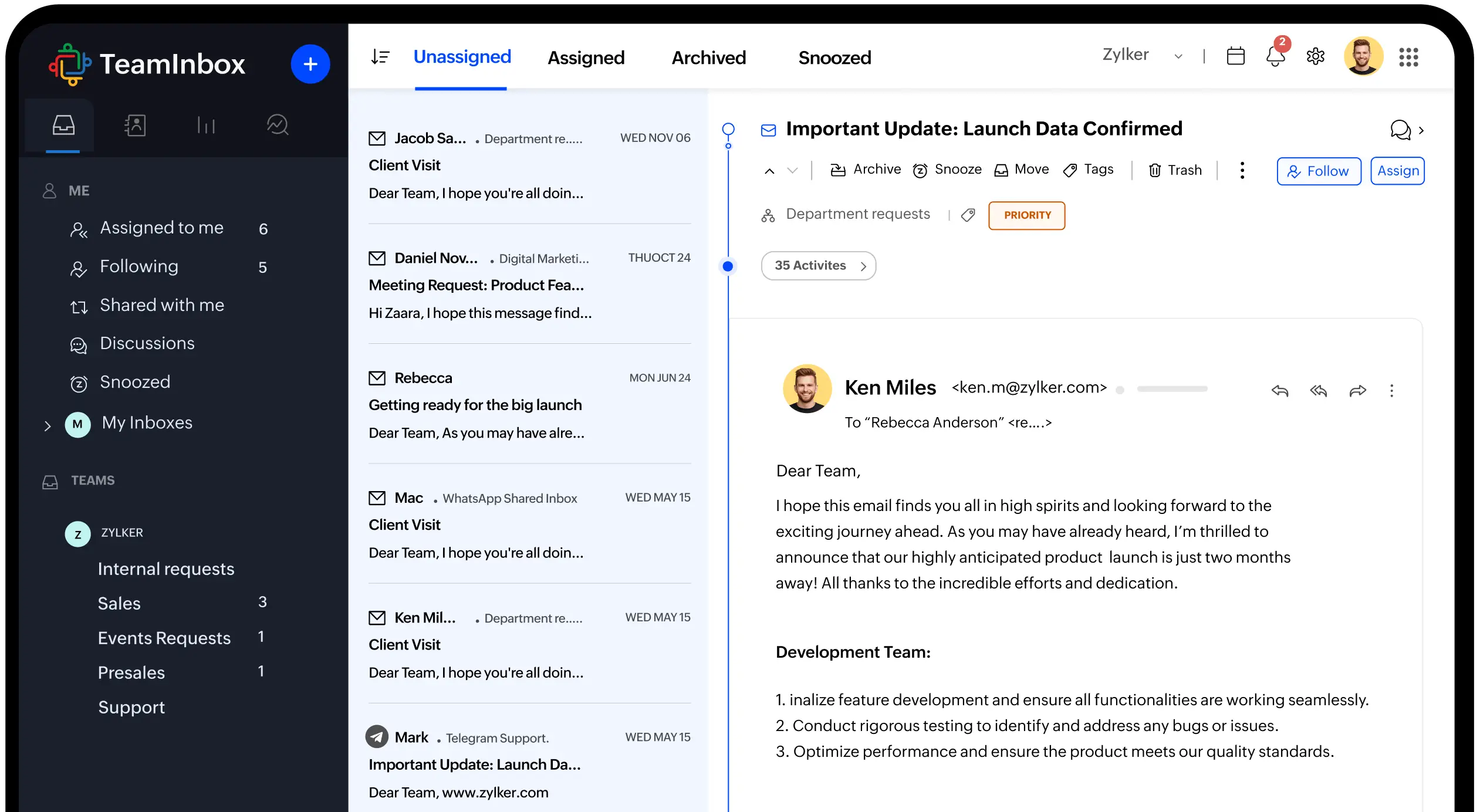
The best part of Zoho TeamInbox is for organizations that make heavy use of team-based emails and value improved collaboration.
Best suited for:
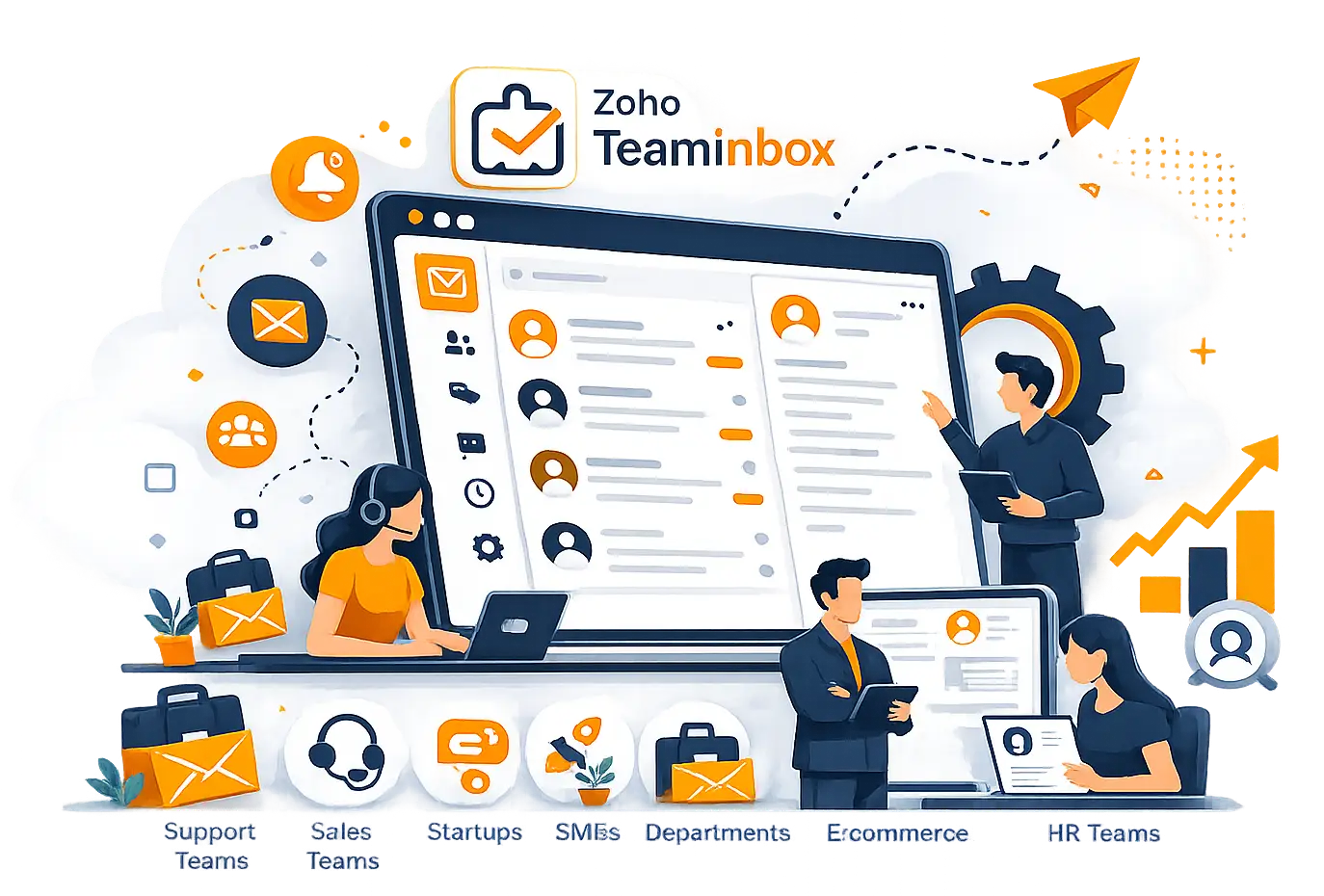
Customer support teams with shared inboxesSales teams that are synchronizing messages to prospectsStartups in the early stages of scaling are beginning to focus on customer conversationsSmall to medium enterprises are working to make email communication more effectiveBusinesses with several departments
Agencies that handle client communications
E-commerce companies that receive customer queries
HR teams that are handling recruitment emails
For teams heavily dependent on email communication, Zoho TeamInbox services can greatly enhance efficiency and accountability.





Get your teams equipped with the best-in-class Zoho TeamInbox implementation and shared inbox tools.
Handle all communications on a team platform.
Ensure that only one agent responds to each email to avoid duplicate responses.
Define ownership and follow up on responsibilities easily.
Improve communication processes for faster solutions.
Integrate customer communications and business data.
Communicate effectively using private notes and mentions.
Support growing teams with enterprise-level functionality.
Make manual work easier with smart automation.
















Candidate communication

Patient communication workflows

Order and support inquiries

Secure customer communications

Lead communication management

Admission and student support emails
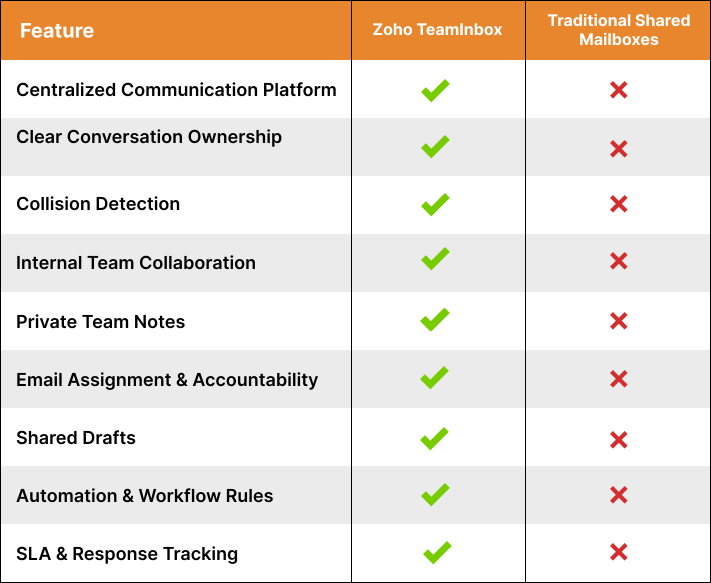
Traditional shared mailboxes often create confusion, duplicate responses, and limited visibility.
Clear ownership of conversations
Real-time team collaboration
Automated email routing
Improved transparency
Better reporting capabilities
Seamless integrations
Scalable communication processes
When companies use Zoho TeamInbox, they will have more control over their customer communications and team activities.
Collaborate with Wappnet, your trusted Zoho TeamInbox implementation partner, to streamline team email communication and boost productivity.










We ensure smooth and scalable Zoho TeamInbox implementation services that are aligned with your communication goals.

Zoho TeamInbox helps handle simultaneous email conversations, enhances collaboration, and makes team communication easier.
Yes. It is perfect for startups, SMEs, and businesses that require better email collaboration.
Yes. Zoho TeamInbox seamlessly integrates with Zoho CRM and other business applications.
Implementation is generally 1-3 weeks, depending on complexity and integrations.
Yes. We offer a full-service solution for Zoho TeamInbox migrations.
Yes. Continuous support, optimization, and training services are provided.
As the tech world is getting more and more fast-paced, new developments can get hard to follow. But, don't worry, we got you covered. We have various articles to help you follow new trends and decide which IT solution is a perfect fit for you and your goals.

Budgeting a SaaS product is hard because two products with the same idea can differ in cost by 10x. This guide breaks down SaaS product development cost in 2026 with realistic pricing ranges, regional rates,...
Keep Reading

Custom software development cost is the first question every founder and CTO asks before greenlighting a build, and the honest answer in 2026 is that it depends on complexity, region, and team structure.
Keep Reading
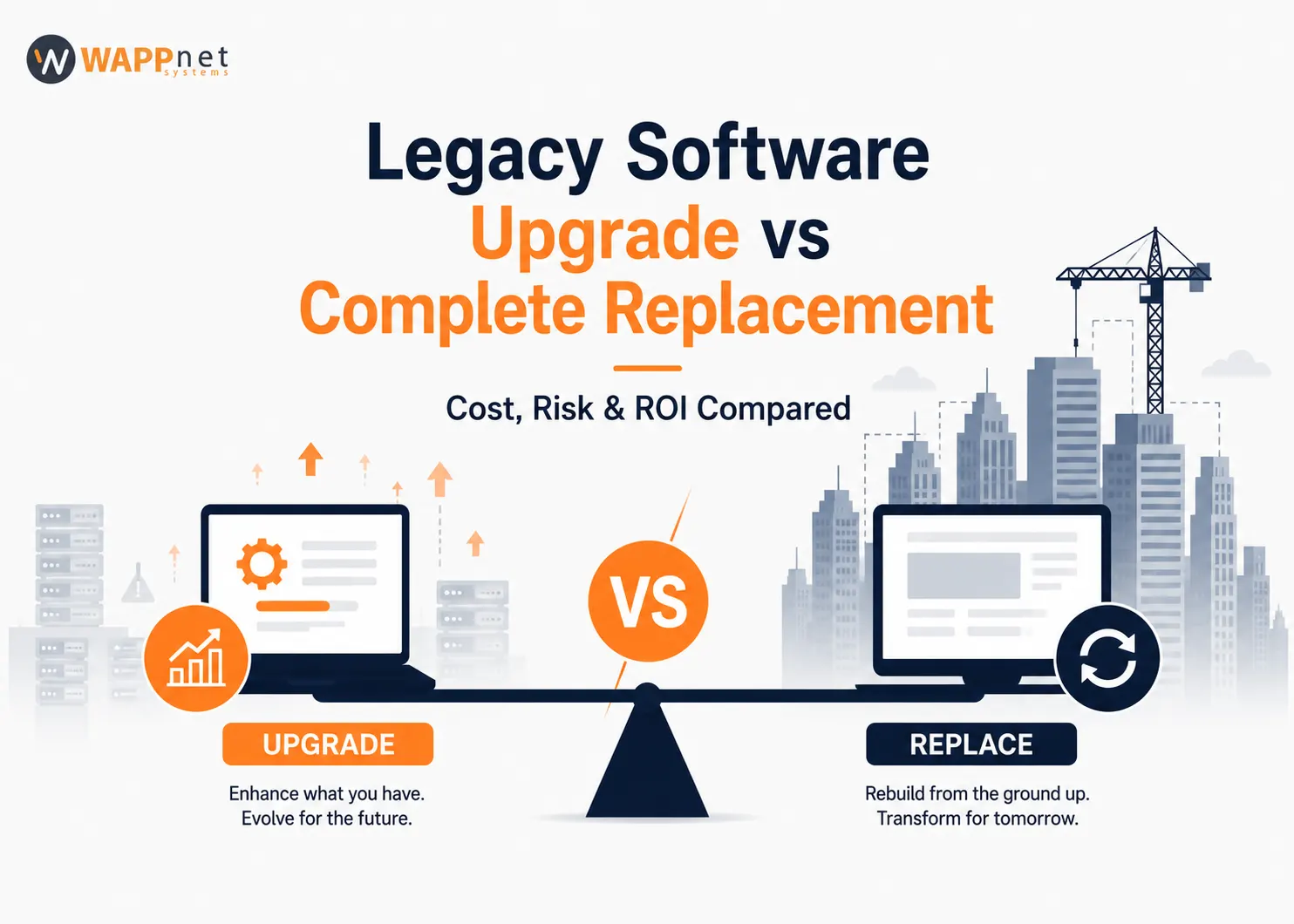
Every CTO managing an aging platform confronts the same question: repair what exists, or rebuild from scratch?
Keep Reading

Ask most operations managers at a UK field service company whether their software is good enough, and you'll usually get a shrug. The scheduling spreadsheet still gets jobs out the door.
Keep Reading
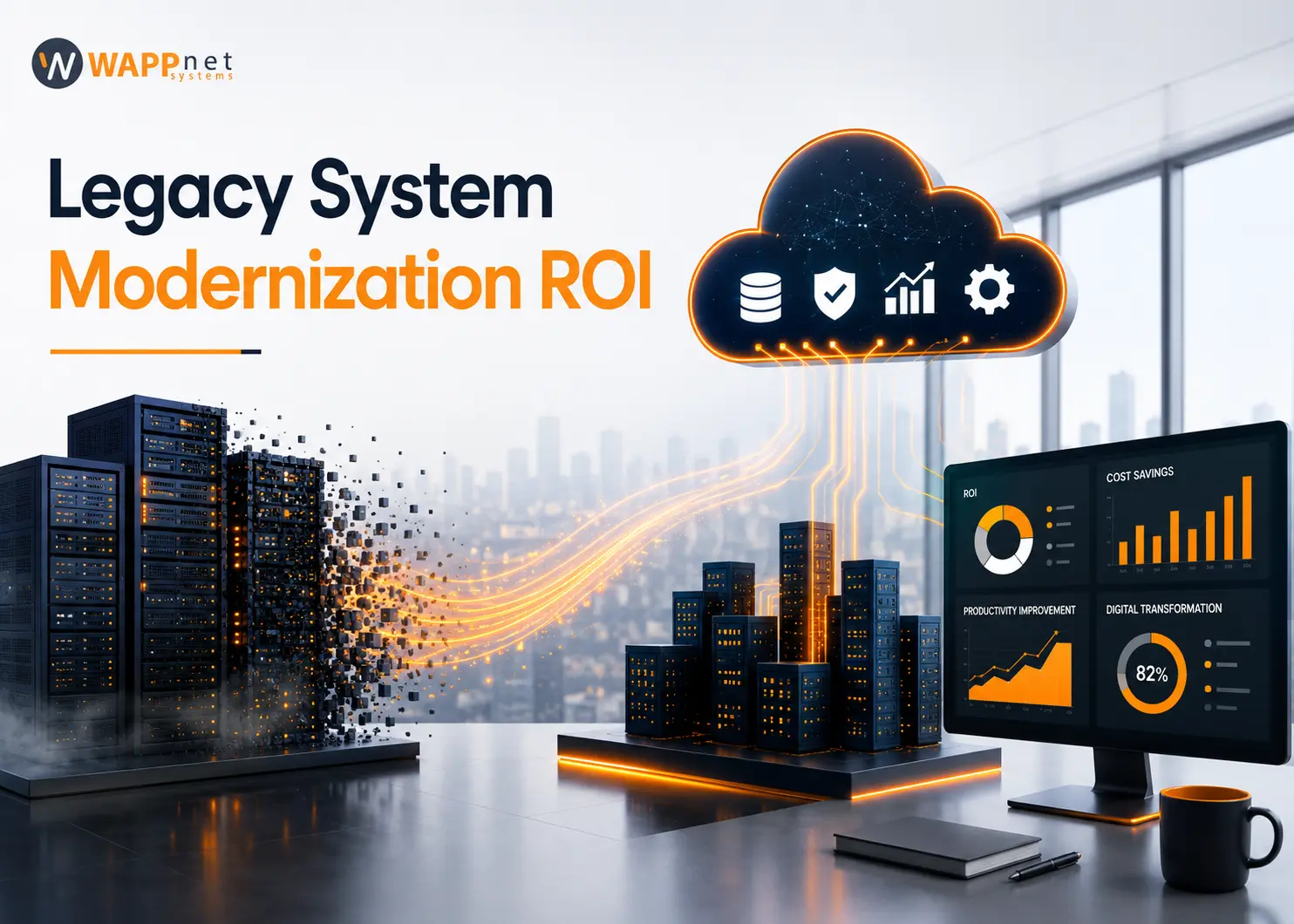
Legacy System Modernization ROI measures the financial and strategic return gained from replacing, re-platforming or upgrading outdated technology, relative to what it costs.
Keep Reading

Every enterprise leader wants an AI roadmap, but fewer ask first: will our existing software actually run it? Can legacy software support AI? is one of the most-searched questions among CIOs today, and the honest...
Keep Reading
Budgeting a SaaS product is hard because two products with the same idea can differ in cost by 10x. This guide breaks down SaaS product development cost in 2026 with realistic pricing ranges, regional rates,...
Keep Reading
Custom software development cost is the first question every founder and CTO asks before greenlighting a build, and the honest answer in 2026 is that it depends on complexity, region, and team structure.
Keep Reading
Every CTO managing an aging platform confronts the same question: repair what exists, or rebuild from scratch?
Keep Reading
Ask most operations managers at a UK field service company whether their software is good enough, and you'll usually get a shrug. The scheduling spreadsheet still gets jobs out the door.
Keep Reading
Legacy System Modernization ROI measures the financial and strategic return gained from replacing, re-platforming or upgrading outdated technology, relative to what it costs.
Keep Reading
Every enterprise leader wants an AI roadmap, but fewer ask first: will our existing software actually run it? Can legacy software support AI? is one of the most-searched questions among CIOs today, and the honest...
Keep Reading
Share a brief about your project and get a guaranteed response within 24 hours.


As a law firm, we needed a cloud solutions company to ease our business. We were having problems with our prior supplier for a client's hosted servers and felt something needed to change. Wappnet Systems opened my eyes to the cloud's potential. Our lawyers can access all client information from the office, home, court, or any place with an internet connection using cloud-based software. Furthermore, cloud-based software makes employee onboarding and training much easier because training can be done remotely now that we have the new software.

Wappnet Systems has become a vital part of our team due to their can-do attitude, incredible work ethic, and eagerness to handle customer problems as if they were their own. We've been blown away by their professionalism and performance, and we're continuing to collaborate on new apps as a team. They have been really understanding of our business goals and they have analyzed our company profiles very well to give us the best product. We would enthusiastically suggest Wappnet Systems as a capable technological partner for high-volume web development.

We deal with one company and one fully integrated enterprise solution with Wappnet Systems, which covers all aspects of the Factor business processes, including Integrated Accounting, Human Resources, and Payroll, Work Order / Docket Management, Production Control and Management, Inventory Control and Order Management, Automated Pricing, Dealer Self-Service Portals for order placement and production tracking, Customer Relationship Management, and more.

I have worked with Wappney Systems with application development and consultation. The team that worked on my project was exceptional, and the entire process was flawless. Wappnet Systems has recommended the finest design options for my app. They advised me on the best course of action for my app. They keep you informed about the status of your app at all times. It's been a pleasure to work with their staff. We now have two fantastic apps that were completed in less time than anticipated. Working with Wappnet Systems provided us with a great value-to-money ratio. I would suggest them to anyone looking to get an app developed quickly and for a reasonable price.

During our search for Chatbot programming services, we came across Wappnet Systems. We have increased the motivation and productivity of our staff as a result of their service - a chatbot answers repetitive and straightforward queries for them. We can now give our clients round-the-clock service, which makes them happier and more eager to stick with us. I enjoy how easy it is to interface with other programs — it simply takes one click to connect to your website or Messenger. For the most part, it was a pretty enjoyable experience for me.

Wappnet Systems came through for us when we required customized WordPress development. Many of our employees struggled to understand WordPress and how to make modifications without damaging the system, however, this team of Wappnet Systems was able to accomplish it without breaking anything and without interfering with my existing ordering mechanism. This is perfect since I've had other developers make adjustments, and their work reset mine, requiring me to redo stuff. Wappnet Systems hasn't made me experience this, and I don't expect it to do so.









Wappnet Systems technical skill was outstanding, and they collaborated with our team to assist us to achieve consistent outcomes. They were always willing to work with our schedules and meet our goals. I advise you to choose Wappnet Systems for your future software development project. They not only have a wealth of skill and expertise, but they also encourage project ownership and look after their employees to keep tacit knowledge on the team. The team takes the time to comprehend the project's scope and never an over-commits time or technical outputs. All this contributes to greater project implementation on time, which end customers will appreciate.